
How to Set Up a Day Trading Workspace and Build Your Own Indicators
2026-11-10
Written by the Obelion team.
A good day trading workspace puts the few things you check every minute on one screen and keeps everything else one click away. For most traders that's a chart layout with your main timeframes, a watchlist, positioning levels like gamma exposure, and a short list of market context: the VIX, the biggest movers and anything scheduled that day.
What belongs on a trading dashboard
- Charts. Two or three timeframes of the market you trade. More than that and you stop reading them.
- A watchlist. Short. If it doesn't fit without scrolling, it's too long for intraday.
- Positioning. Gamma exposure levels for the index and your tickers, so you know where dealer hedging is heaviest.
- Market context. VIX, top movers, earnings and economic events for the day.
- A journal. Somewhere to log what you did and why, while it's fresh.
How we set up the Obelion terminal
The terminal dashboard is built from modules you arrange yourself. The ones traders use most are the GEX overview, the options chain, the market heatmap, top movers, the VIX and macro snapshots, earnings, sector rotation and a journal calendar. Modules can sit in tabs or a rotating slideshow, so a small screen can still hold a lot. Charts live on the chart page, with layouts of two, four or six charts depending on your plan.
Building your own indicators
Default indicators get you started, but most traders end up wanting something of their own: a different filter, an alert on a specific condition, two indicators combined into one. That's what a scripting language is for.
On Obelion that language is OmegaScript. It runs once per bar like Pine Script and thinkScript, so it feels familiar if you've written either, and it ships with an importer that converts Pine scripts and flags anything it can't convert, with the line and the reason. OmegaScript is in private development right now, with authoring open to select members while the language settles. The OmegaScript docs cover the language, plotting and the full technical analysis library.
Setup mistakes to avoid
- Filling every inch of the screen. If you can't say what a panel is for, close it.
- Running indicators on default settings without checking what they're built for: entries, exits or trend continuation.
- Keeping news feeds open while you trade. Check them before the session and during breaks.
Questions about trading workspaces
How many monitors does a day trader need?
One good screen is enough to start. A second one helps once you know exactly what you'd put on it.
Can I build custom indicators without coding?
Many indicators have settings you can tune without code, and saved indicator stacks on Obelion keep those settings together. For logic that doesn't exist yet, you'll need a script.
Can I move my TradingView indicators?
OmegaScript's importer converts Pine scripts on a best-effort basis and lists anything it couldn't convert.
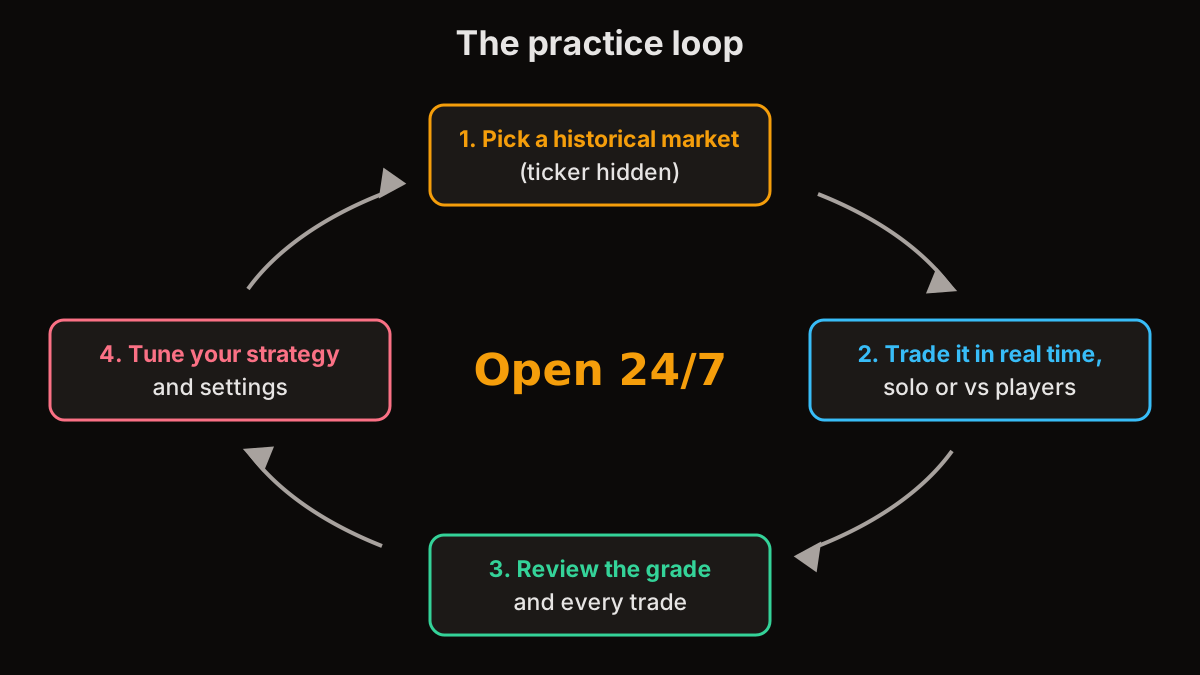
Step by step setups are in our trading dashboard setup guide and custom indicator guide. Want to try a setup before using it live? Practice with it in the Arena first.
Not financial advice. Disclaimer